Phone app
ConductColony on your phone
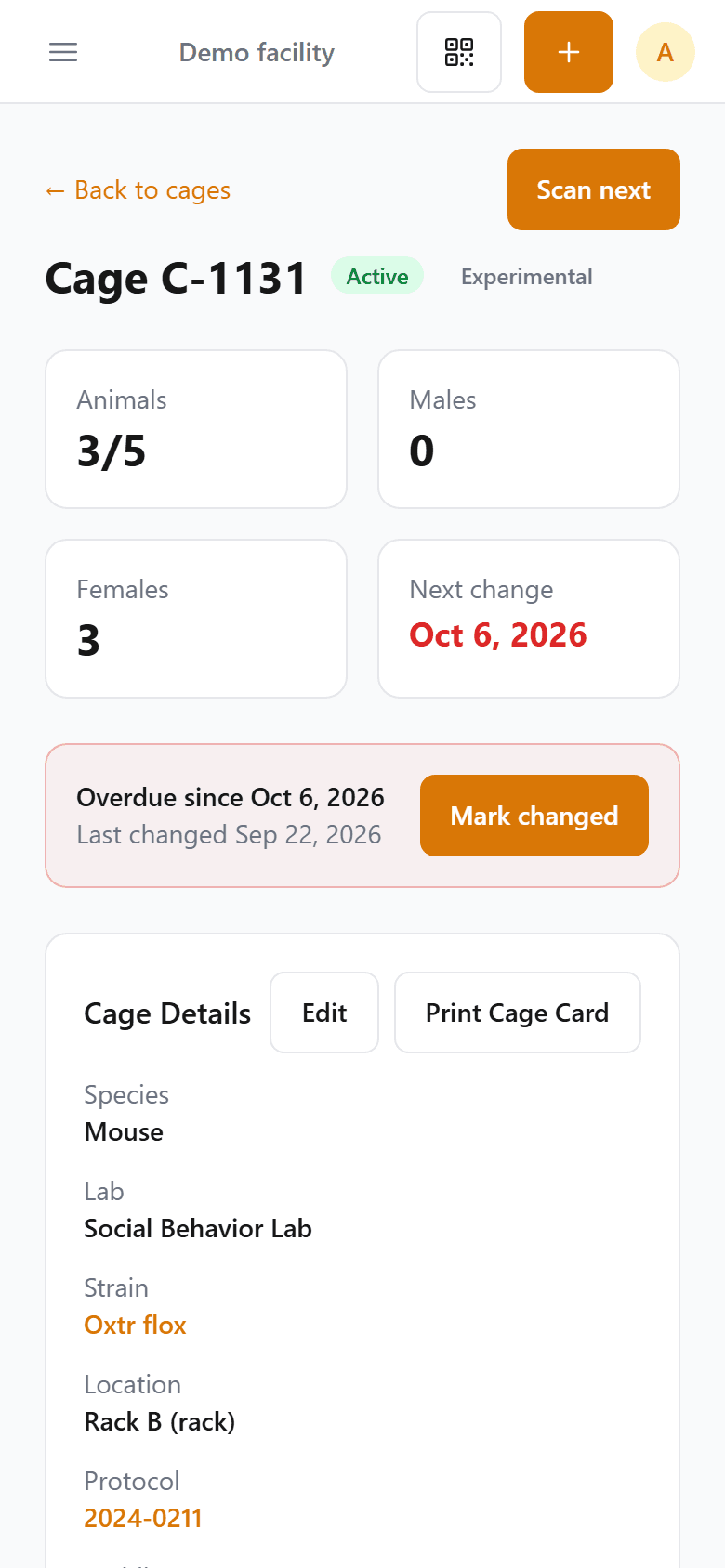
Scan a cage card to open that cage, mark it changed or check its animals, and your work goes straight into your colony records.
What you can do at the rack
Scan a card
Point the camera at a cage card, tank label or frog card, and that record opens. Scan next takes you to the following card.
Mark it changed
Record a cage change with one tap, and the cage's next change date updates for everyone.
Check its animals
Open the animals in that cage and update their records on the spot.
Core facilities, Institution plan
Run the facility day from a phone
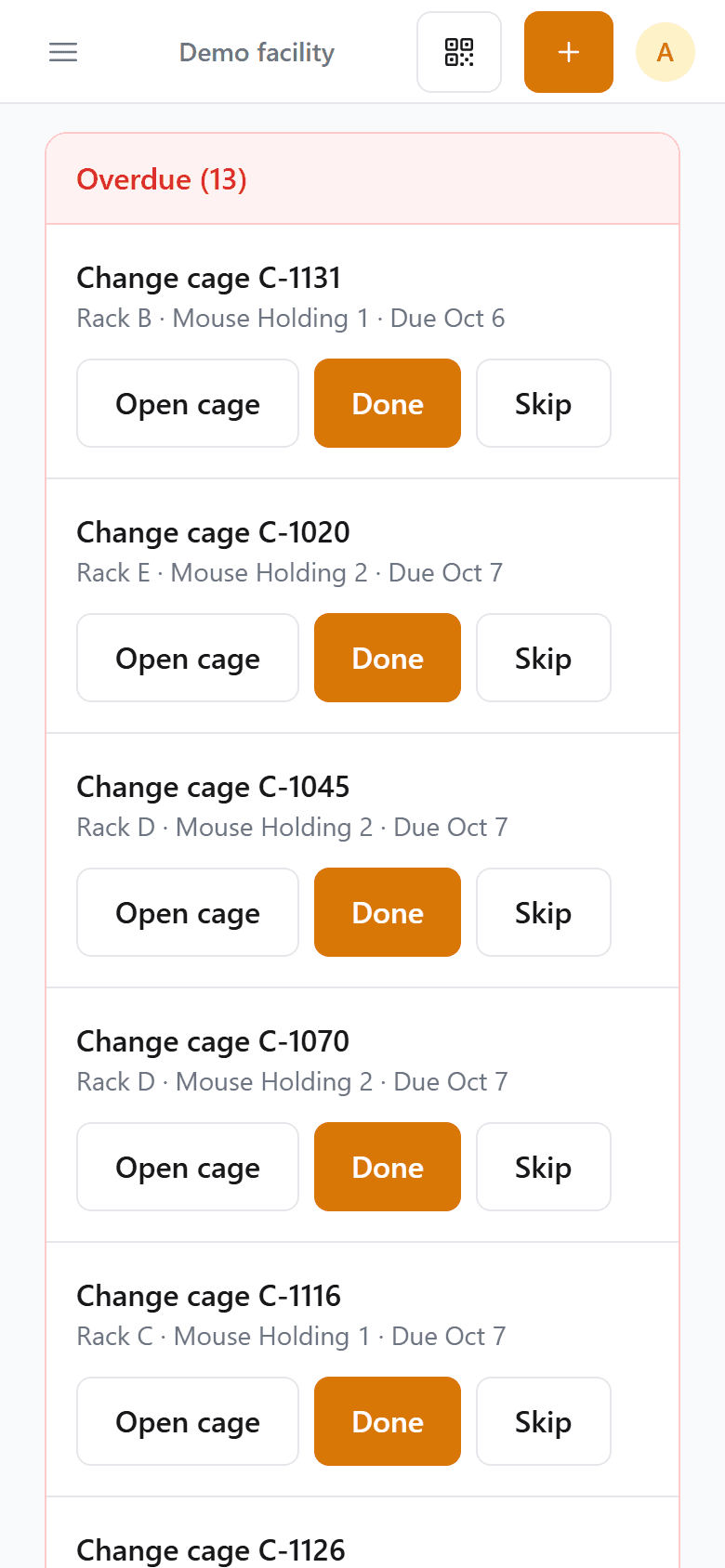
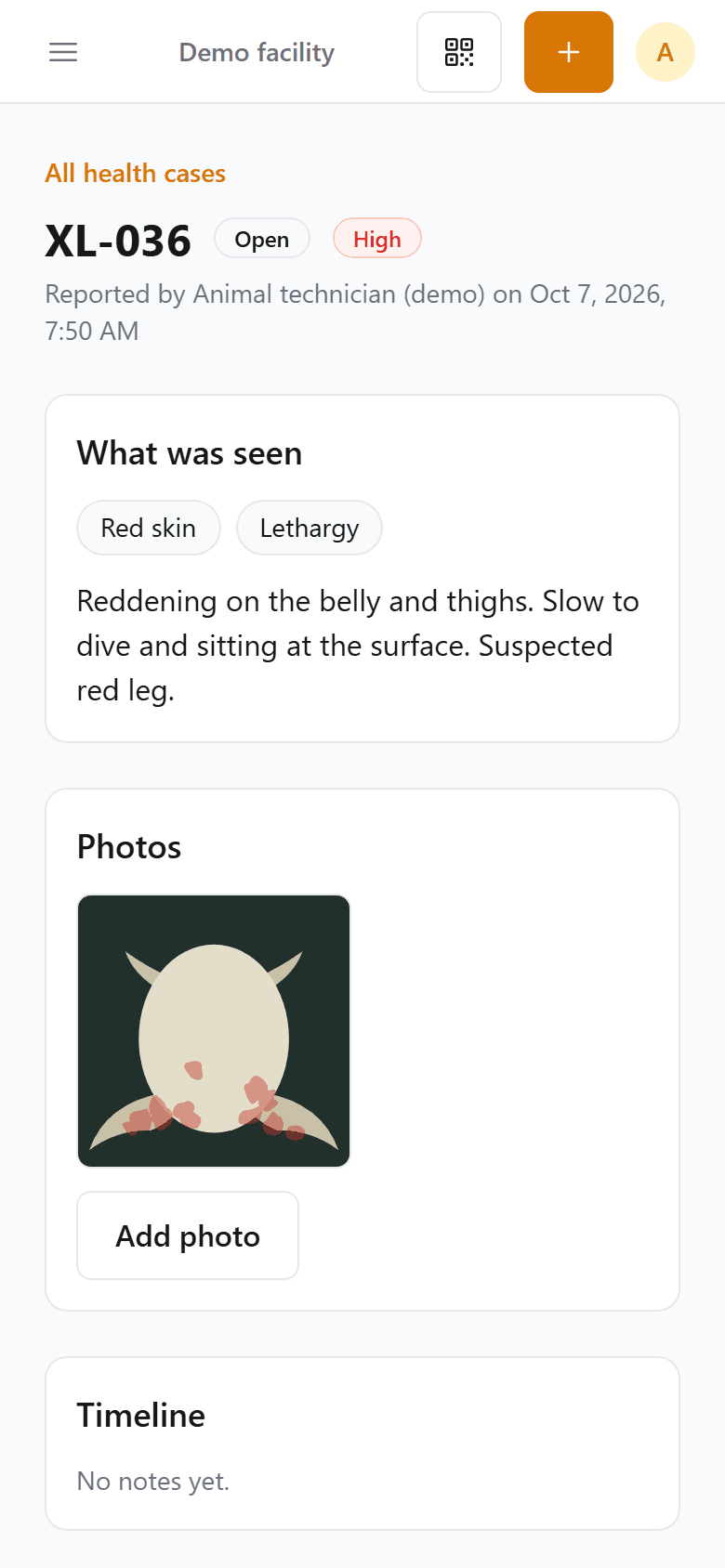
Work through today's tasks, log room and water checks, report a sick animal with a photo, and check a room's census by scanning every card.
Install it in a minute
Android
- Open conductcolony.com in Chrome and sign in.
- Tap the ⋮ menu, then Install app (on some phones it reads Add to Home screen).
- Open ConductColony from your home screen.
iPhone
Open conductcolony.com in Safari and sign in. Everything works there, scanning included, with nothing to install.
No app store needed. The phone app comes with every plan at no extra cost.
Questions
No. It runs in your phone's browser, and on Android it installs from there, so there is nothing to download from a store.
ConductColony needs a connection to save your work. If the signal drops, it shows a clear message instead of a browser error.
No colony records are stored on your phone. They stay on our servers in the United States.
Recent iPhones and Android phones, in Safari or Chrome. Scanning uses the phone's camera.
No. It comes with every plan, including Free.