Cage cards and scanning
Cage cards and tank labels with QR codes
Print cage cards and tank labels for a whole rack or system at once, then scan any of them with a phone to open its record.
Cage cards, tank labels and scanning come with every plan. The census check is part of the Institution plan.
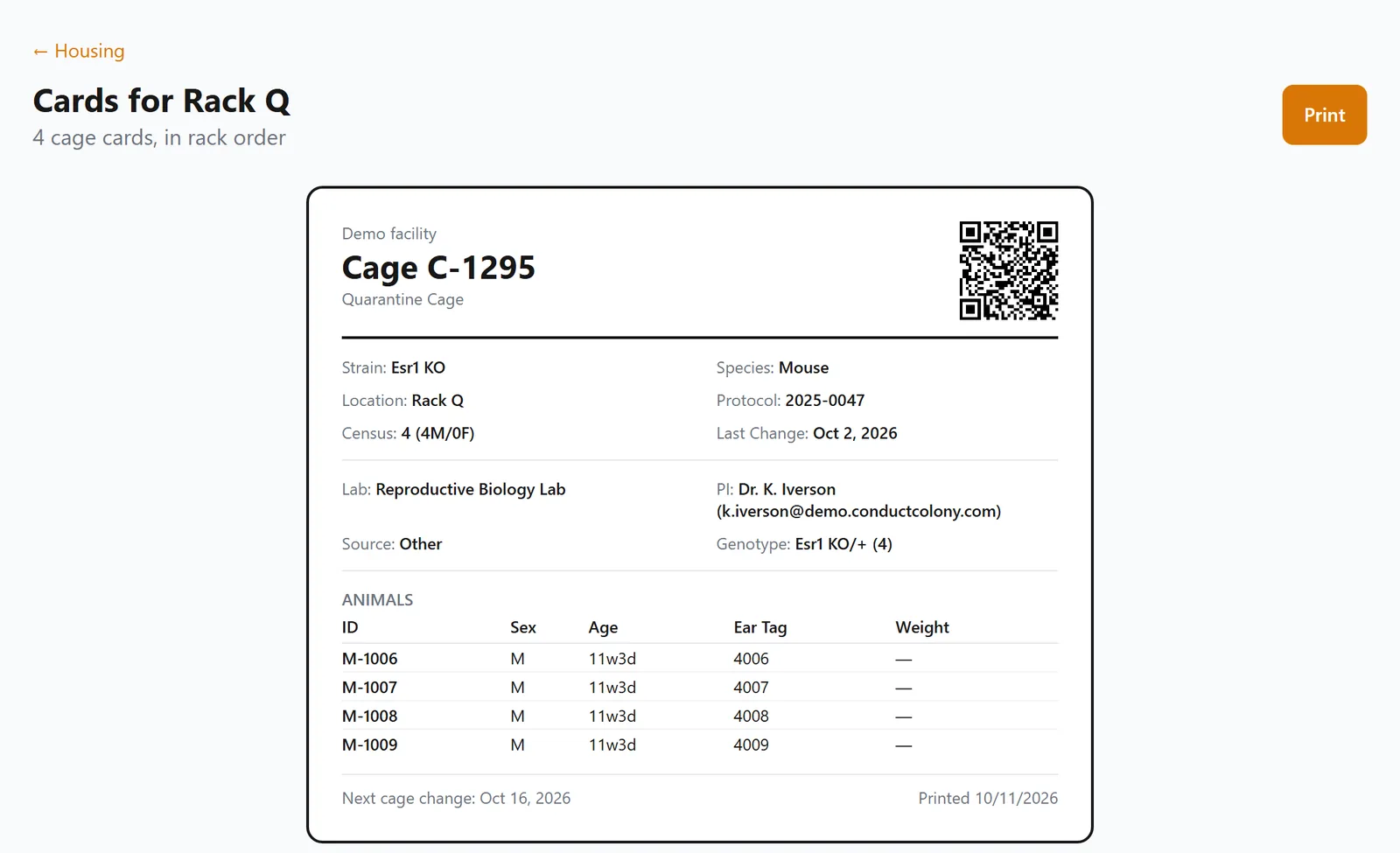
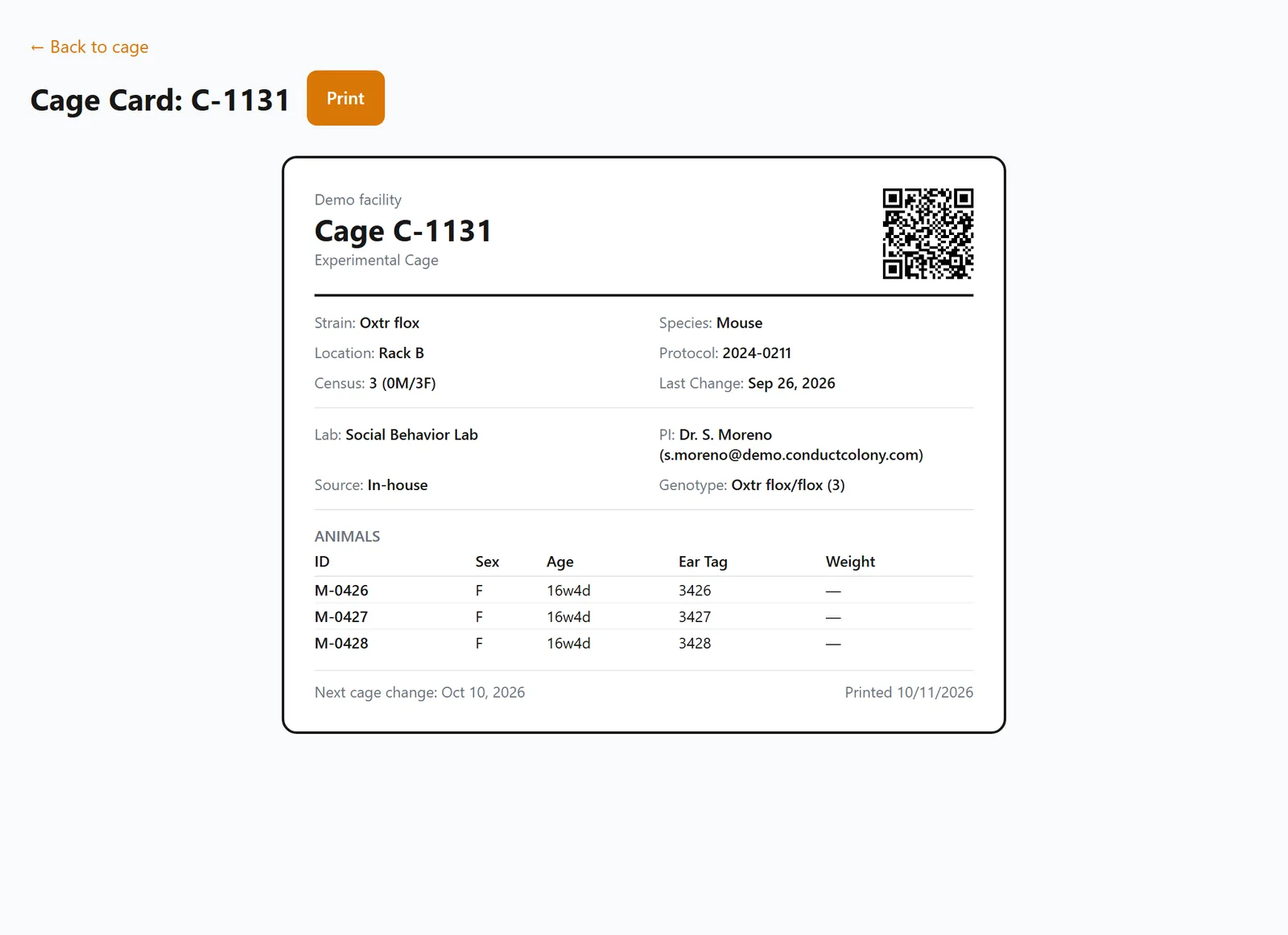
Cage cards
A card shows the strain, location, protocol, animals and next change date, with a QR code that opens the cage.
In a core facility it also shows the lab, the PI's contact, the source and the genotypes.
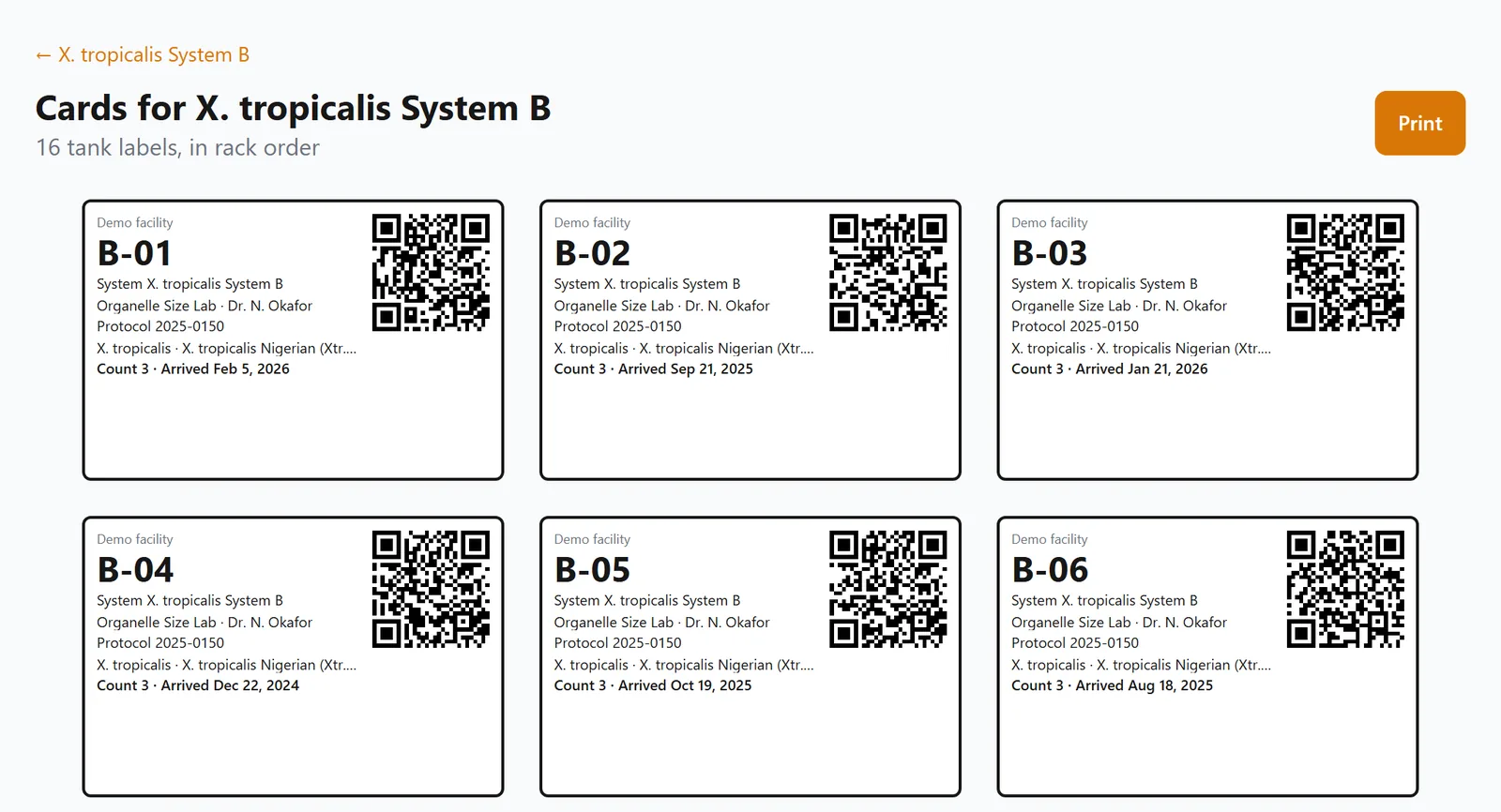
Tank labels
A tank label shows the tank, system, lab, PI, protocol, species, line and count, with a QR code.
It prints at 3 by 2 inches.
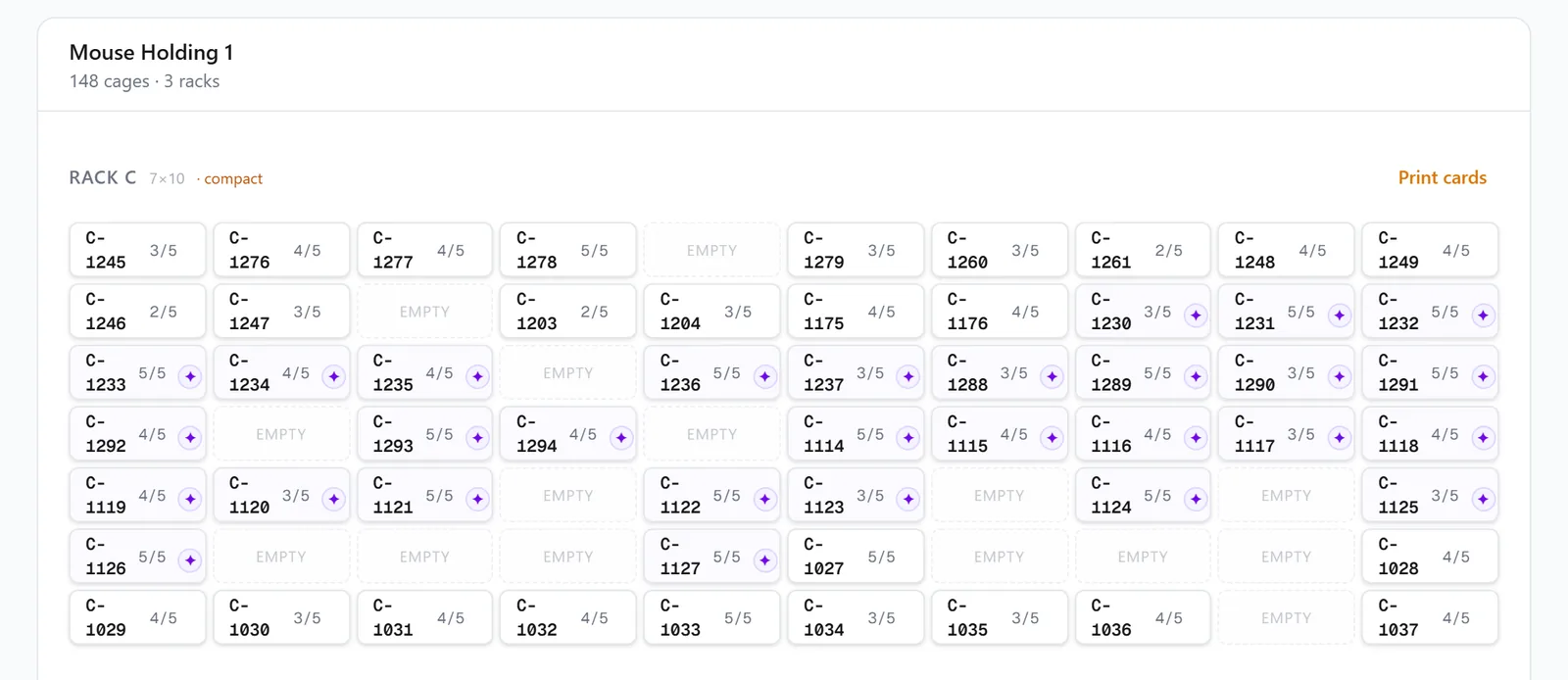
Print a rack or system at once
Print every card and label under a rack, shelf, room or system at once, in rack order.
Housing has a Print cards link on each rack and Print tank labels on each system.
Scan with the phone's camera
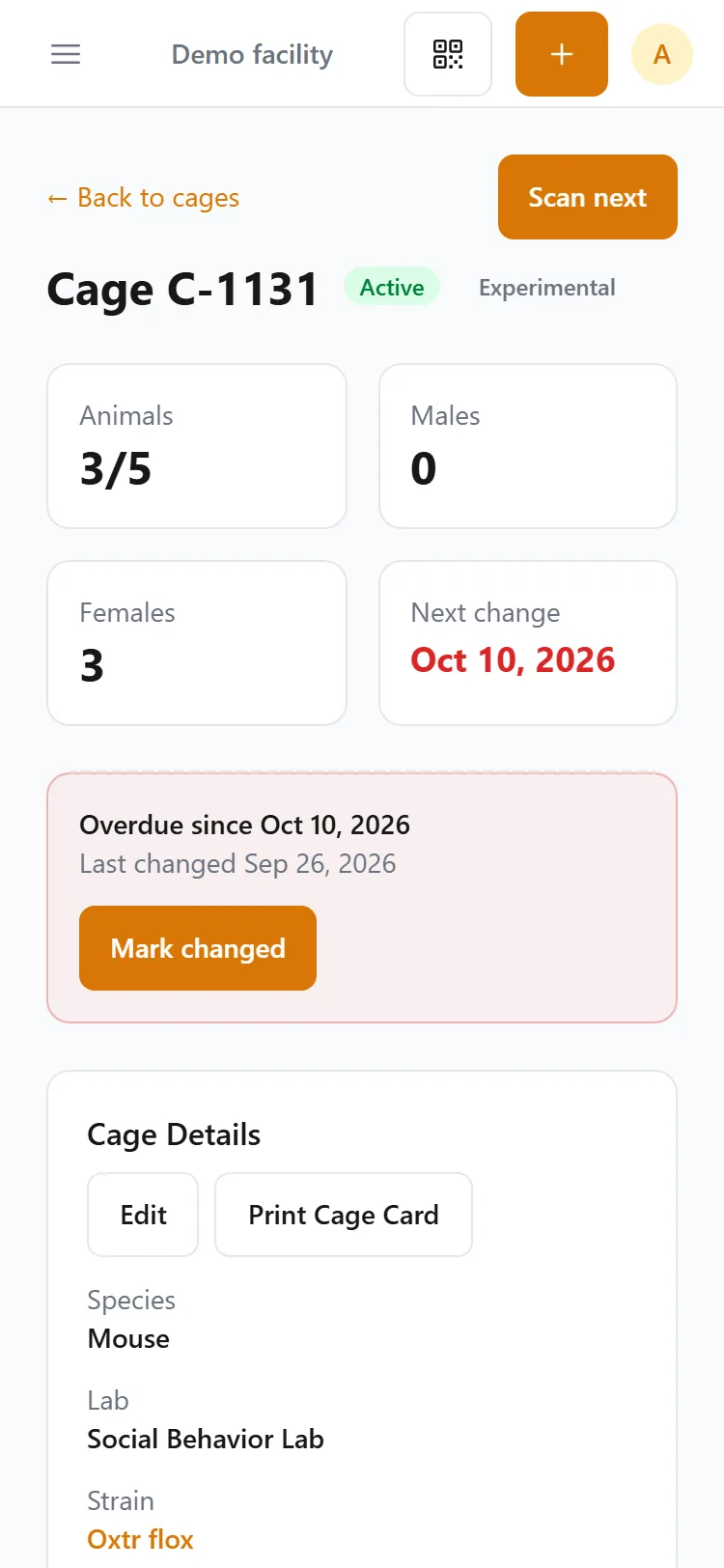
Tap Scan in the app, or point the phone's own camera at a card, and the cage, tank or frog record opens.
A record opened from a scan has Scan next, which goes straight back to the camera.
Type a number instead
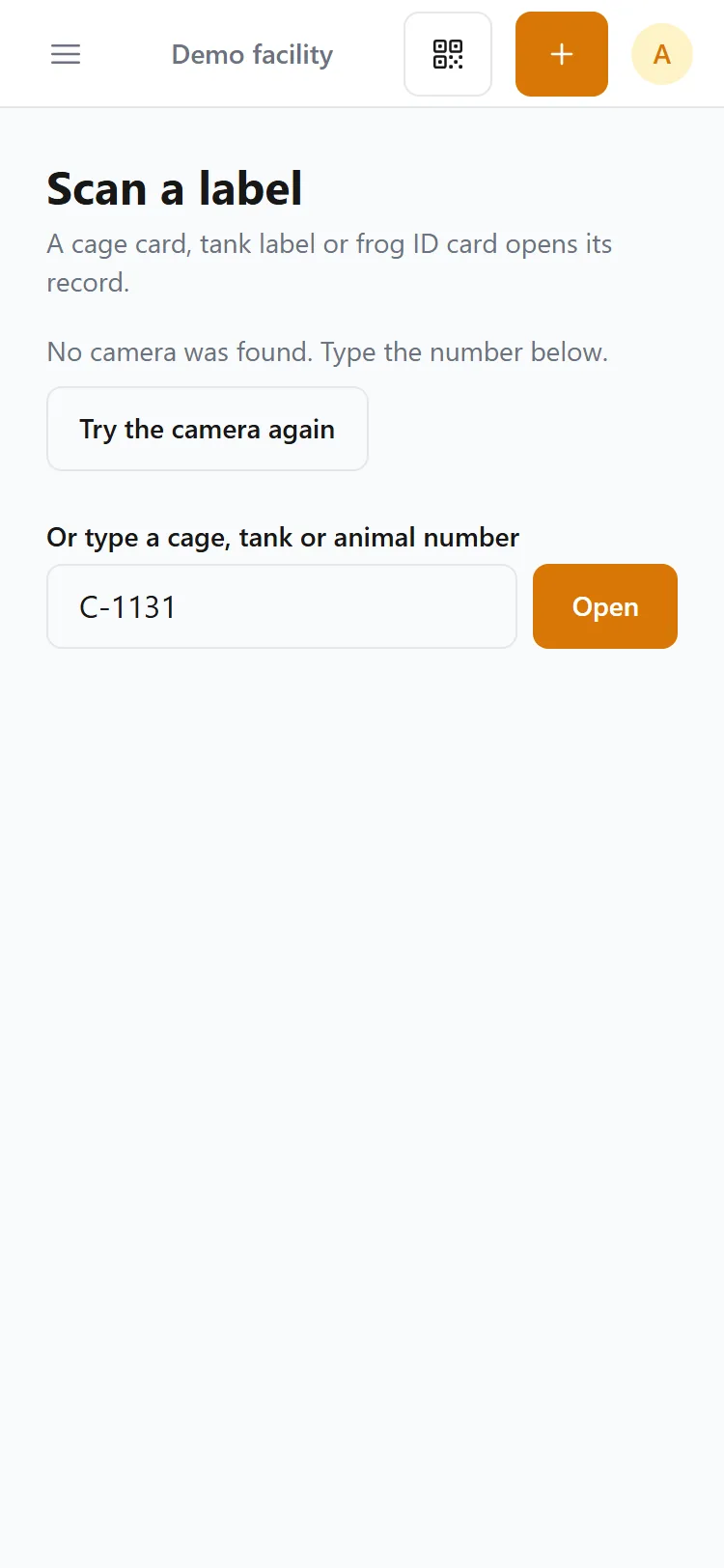
When a card will not scan, type its cage, tank or animal number under the camera.
The census check takes typed numbers the same way.
The census check
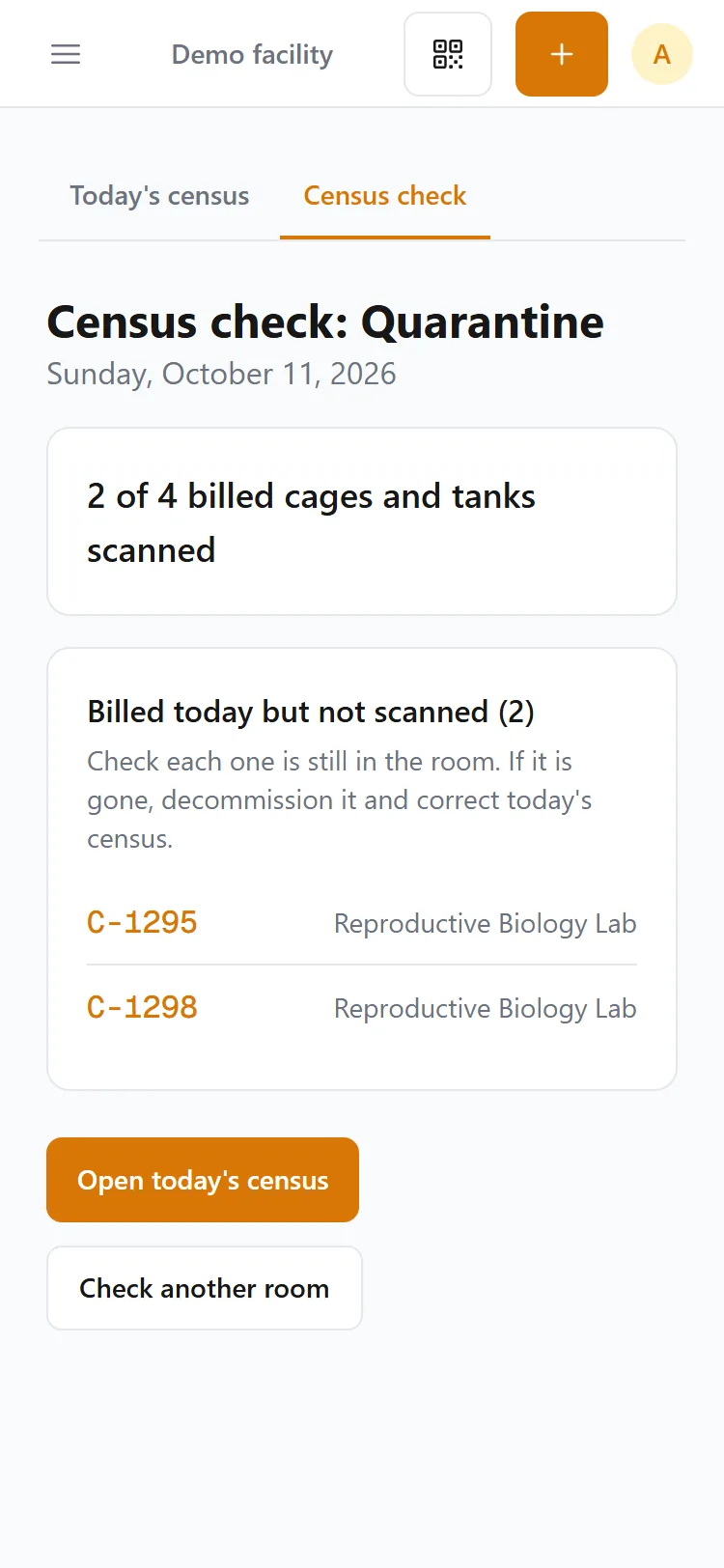
In a core facility, staff scan every card and tank label in a room to check that day's census.
The check lists cages billed in that room that were not scanned.
Talk to us about your facility
Tell us about your racks, aquatic systems and card stock, and we will show you cards, labels and scanning in the sample facility.